
HTML Tutorial / What Is HTML and What Does It Do on a Web Page?
HTML (HyperText Markup Language) gives web page content its structure and meaning. It identifies headings, paragraphs, lists, links, and other parts of a document so a browser can present them. CSS mainly controls appearance and layout, while JavaScript can add behavior in response to user actions.
What is HTML?
HTML is a markup language that describes what each part of a document is. The same words might be a heading, an ordinary paragraph, or a link to another page; HTML elements distinguish those roles. Links also let HTML documents connect to one another across the web.
HTML is not primarily a language for calculations or conditional logic. Its central job is to give content structure and meaning. The WHATWG HTML Standard introduction explains the language and how its elements work.
What does HTML do on a web page?
A web page may contain headings, body text, navigation links, images, and forms. HTML uses elements appropriate to each kind of content and expresses how the parts relate to one another.
- Identifies content:
h1–h6mark headings,pmarks paragraphs, andulorolmarks lists. - Organizes the document: Elements can distinguish a header, navigation area, and main content.
- Connects pages and accepts input:
acreates links;formand input elements let users submit information.
That structure helps browsers and assistive technologies interpret the page. Choose an element for the role of the content, not merely for its default appearance.
How do HTML, CSS, and JavaScript differ?
They have different primary roles. HTML defines content and its meaning. CSS controls presentation such as colors, fonts, spacing, and layout. JavaScript can respond to clicks or input and change the page.
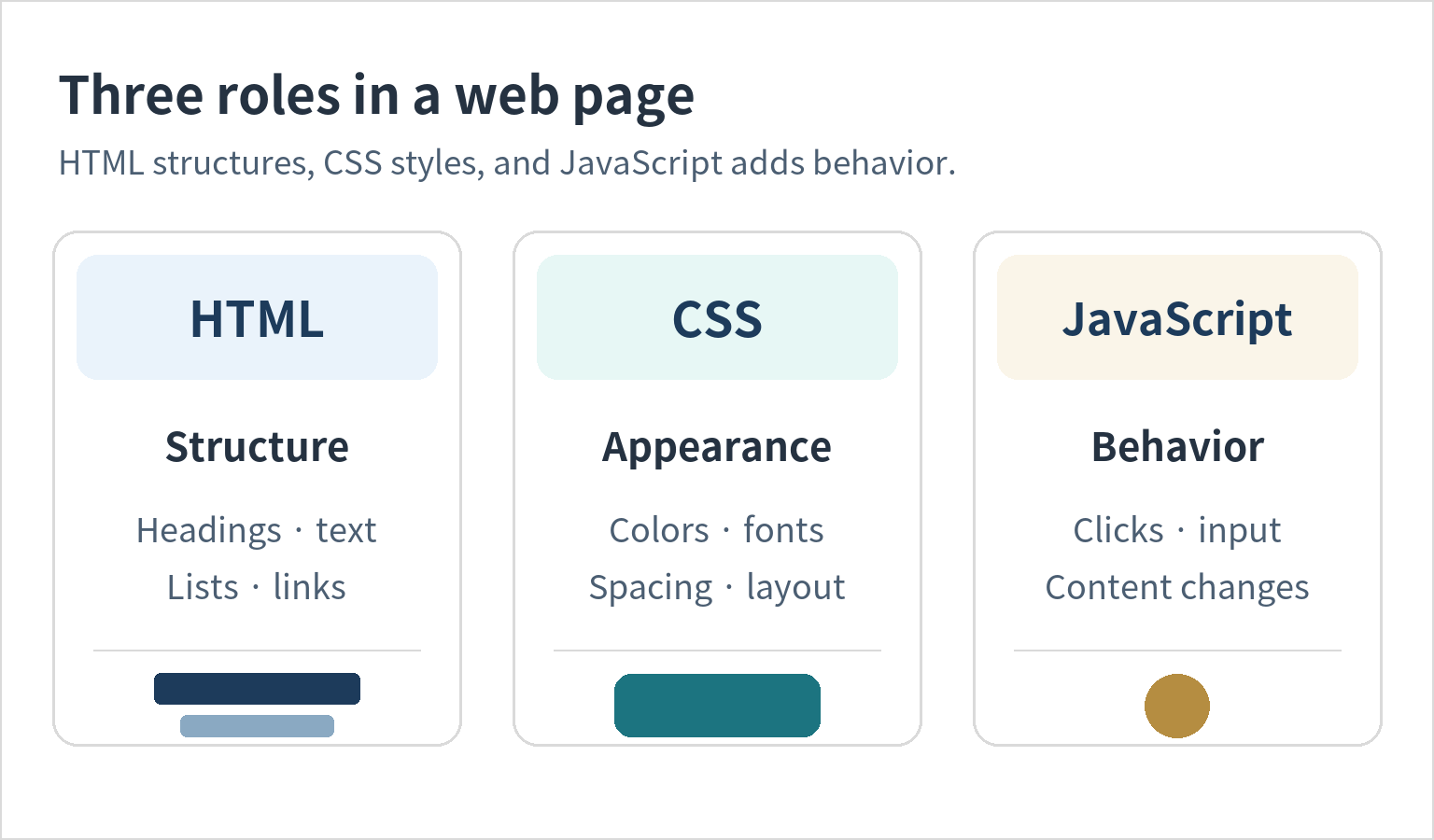
This division is a useful starting point, not a rigid boundary: some HTML elements provide built-in interaction, and CSS can change appearance in response to states or animate it. When learning HTML, focus first on marking up content correctly.
What does HTML code look like in a browser?
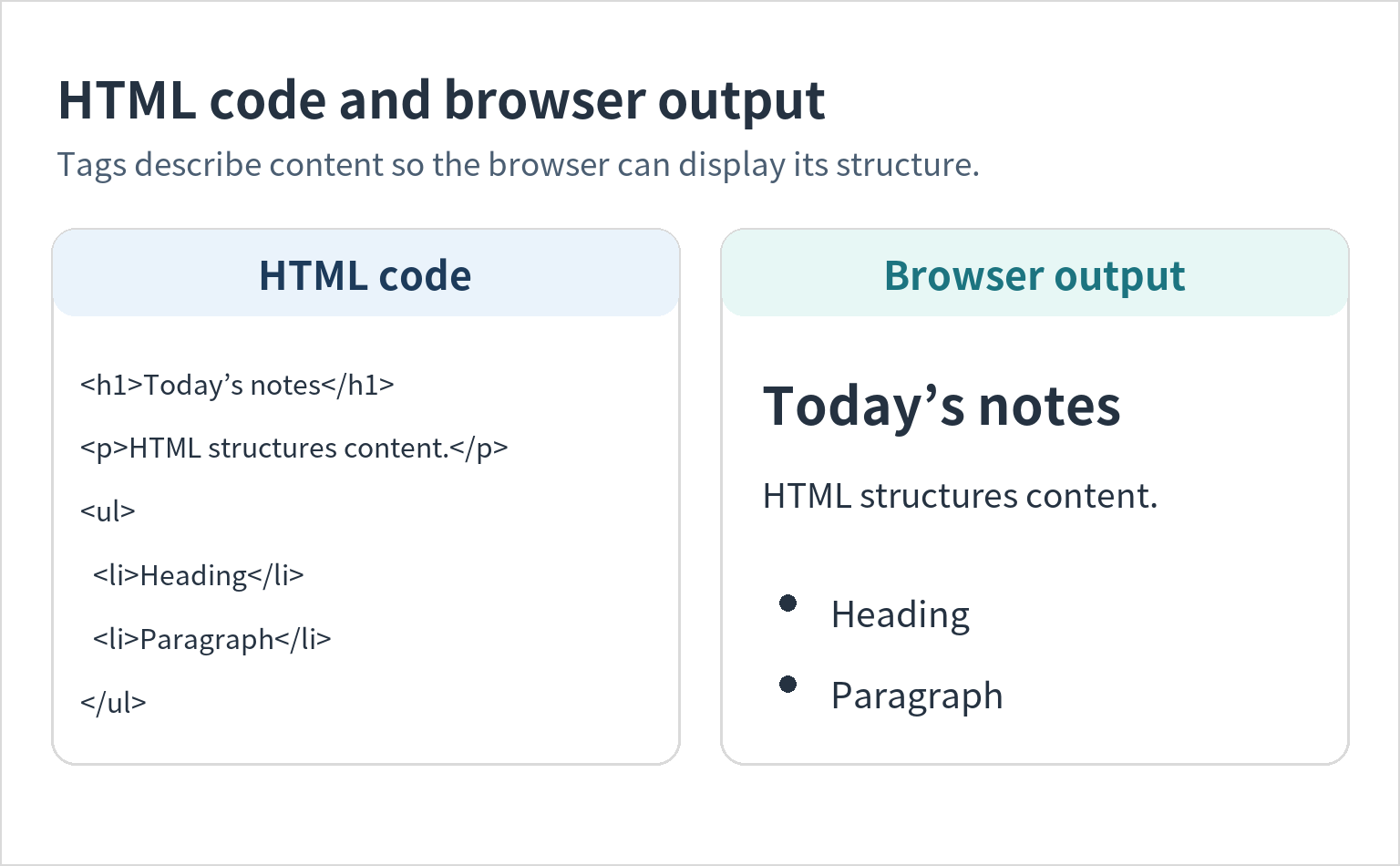
In this fragment, h1 marks a heading, p marks a paragraph, and ul with li marks a list.
<h1>Today’s notes</h1>
<p>HTML structures content.</p>
<ul>
  <li>Heading</li>
  <li>Paragraph</li>
</ul>
The browser interprets these elements and displays a heading, a paragraph, and a bulleted list. The diagram pairs the code with an example result. Actual fonts and spacing depend on the browser and any CSS applied to the page.
Try making a simple HTML file
Add the basic document structure to the fragment above and you can open it directly in a browser. Paste the following into a text editor, save it as index.html using UTF-8 encoding, and open the file in a browser.
<!doctype html>
<html lang="en">
  <head>
    <meta charset="utf-8">
    <meta name="viewport" content="width=device-width, initial-scale=1">
    <title>Today’s notes</title>
  </head>
  <body>
    <h1>Today’s notes</h1>
    <p>HTML structures content.</p>
    <ul>
      <li>Heading</li>
      <li>Paragraph</li>
    </ul>
  </body>
</html>
The head contains information such as the document title and character encoding. The body contains the page’s main content. Even without added CSS, a browser displays the content using its default styles.
What should you read next?
Once you understand HTML’s role, continue with HTML syntax: elements, attributes, comments, and document structure. It covers start and end tags, adding attributes, and nesting elements correctly.

HTML Tutorial / What Is HTML and What Does It Do on a Web Page?
HTML gives web content structure and meaning. Learn how it differs from CSS and JavaScript, see how basic markup appears in a browser, and make your first HTML file.