Category: jQuery

jQuery .appendTo(): Insert Content as the Last Child
Use jQuery .appendTo() to add an item to several lists, then style or remove the original and its copies through the returned collection.
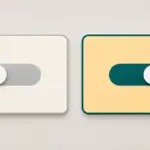
jQuery .toggleClass(): Toggle a Class or Set Its State
Compare switching a class with setting it from a boolean in jQuery .toggleClass(). Run a button and checkbox example and check styling and accessible state.
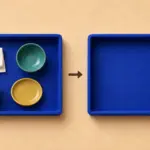
jQuery .empty(): Clear Content and Keep the Container
Clear a result panel with jQuery .empty() while keeping its container. A runnable example shows how to refill it, preserve delegated events, and clear input values.
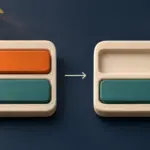
jQuery .remove(): Remove Elements, Data, and Events
Use jQuery .remove() to delete matching nodes within a list. See how to check the selection and what happens to jQuery data and events when a node is reinserted.
jQuery .css(): Read, Set, and Clear Styles
Read computed styles, set and clear inline properties, and handle CSS units and numeric values in jQuery 4.0.
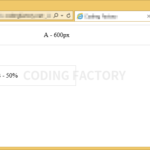
jQuery .width(): Measure and Set Content Width
Compare content, padding, and border widths, and verify how width getters and setters behave with border-box sizing.
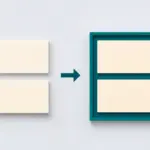
jQuery .wrapAll(): Put Selected Elements in One Wrapper
Use jQuery .wrapAll() to group separated elements under a shared parent. Run an example to see what happens to unselected siblings, document order and delegated events.
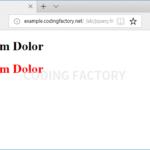
jQuery .has(): Select Elements with Matching Descendants
Filter the original selection by matching descendants, and see why has and find return different elements.
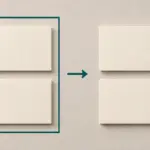
jQuery .unwrap(): Remove a Parent and Keep Its Children
Remove an immediate parent with jQuery .unwrap() while keeping its children. Test the parent filter and verify that a child’s click handler survives.
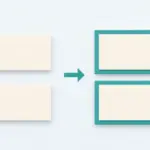
jQuery .wrap(): Wrap Each Element Separately
Use jQuery .wrap() to give each selected element its own parent. Run an example, prevent repeated wrapping, and compare .wrap() with .wrapAll() and .wrapInner().